
Website rebuild: Move your existing website to Frontpage
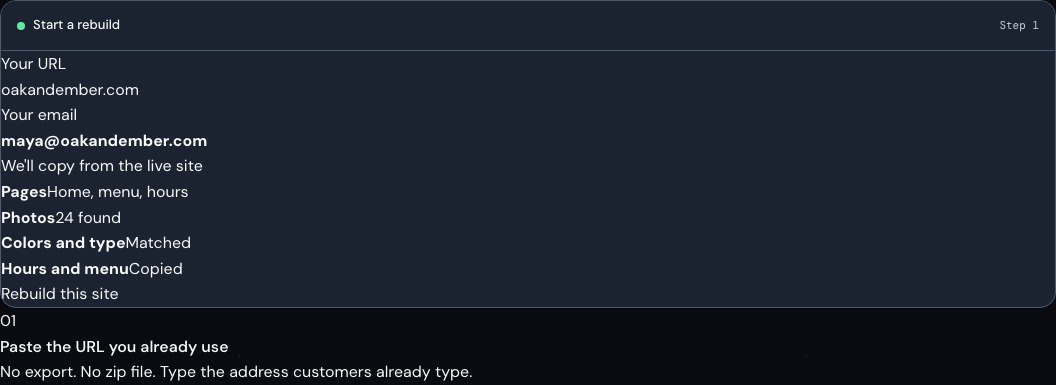
Give Frontpage your current website address to start a new version. Review the preview before you move your domain.
Start with the website you already have
A rebuild gives you a draft based on the public pages you share. For example, a local business can start from its current service pages, check that the descriptions and photos are right, and test that the new enquiry form reaches the right inbox. Its current website can stay online during the review.
Make the move when you are ready
Use the website move checklist to review pages, important links, and services the old site uses. You can check the titles people see in search while you prepare. Once you are happy with the preview, connect the domain your customers already know and test the public site.
Frequently asked questions
Can I see the rebuilt website before it replaces my current site?
Yes. Review the new site in preview while the old site is still online.
Can Frontpage start a rebuild from a page behind a login?
Start with a public address you own or have permission to use. Add any private content you are allowed to reuse separately.
Can I keep my current website address?
Yes. Connect the domain you already own once the new site is ready.
Should I check my forms and payments before moving the domain?
Yes. Test the customer flows you depend on and reconnect any outside services you want to keep before moving.